Forms
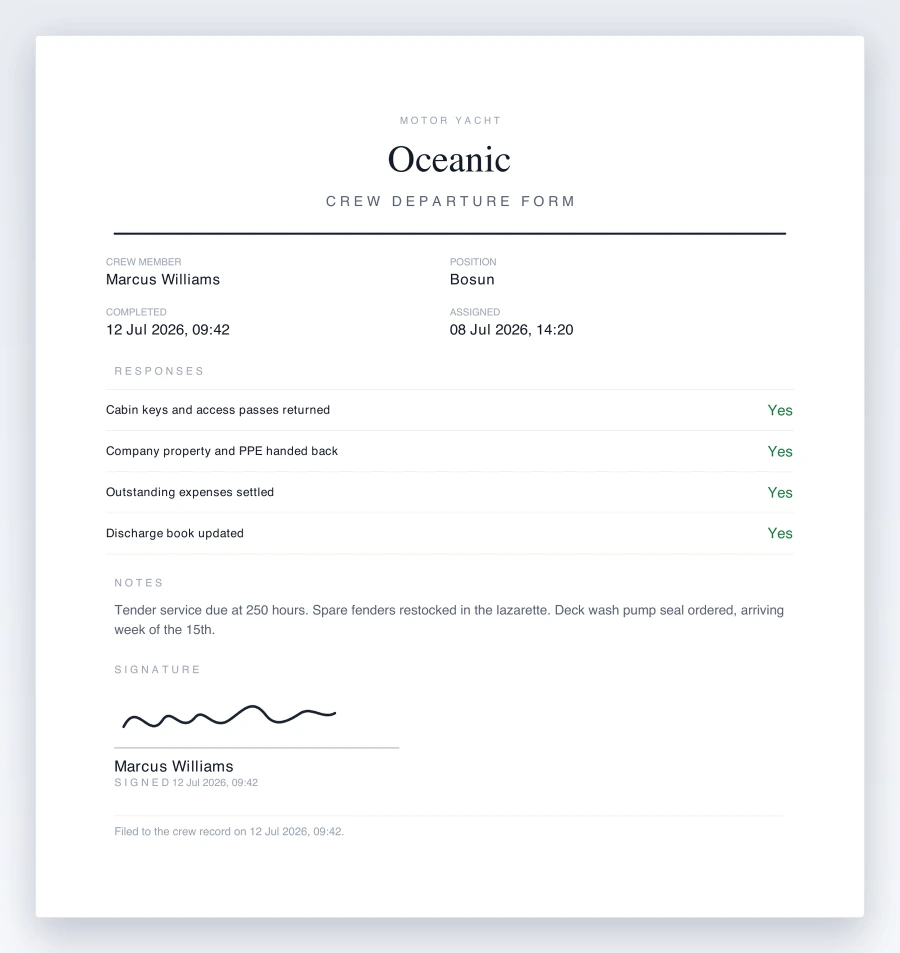
Crew forms, filled in
and signed on the phone.
Every one comes back as a signed PDF on your vessel’s letterhead, filed to their record.
Free for 14 days. From £110 a month per vessel, unlimited crew.
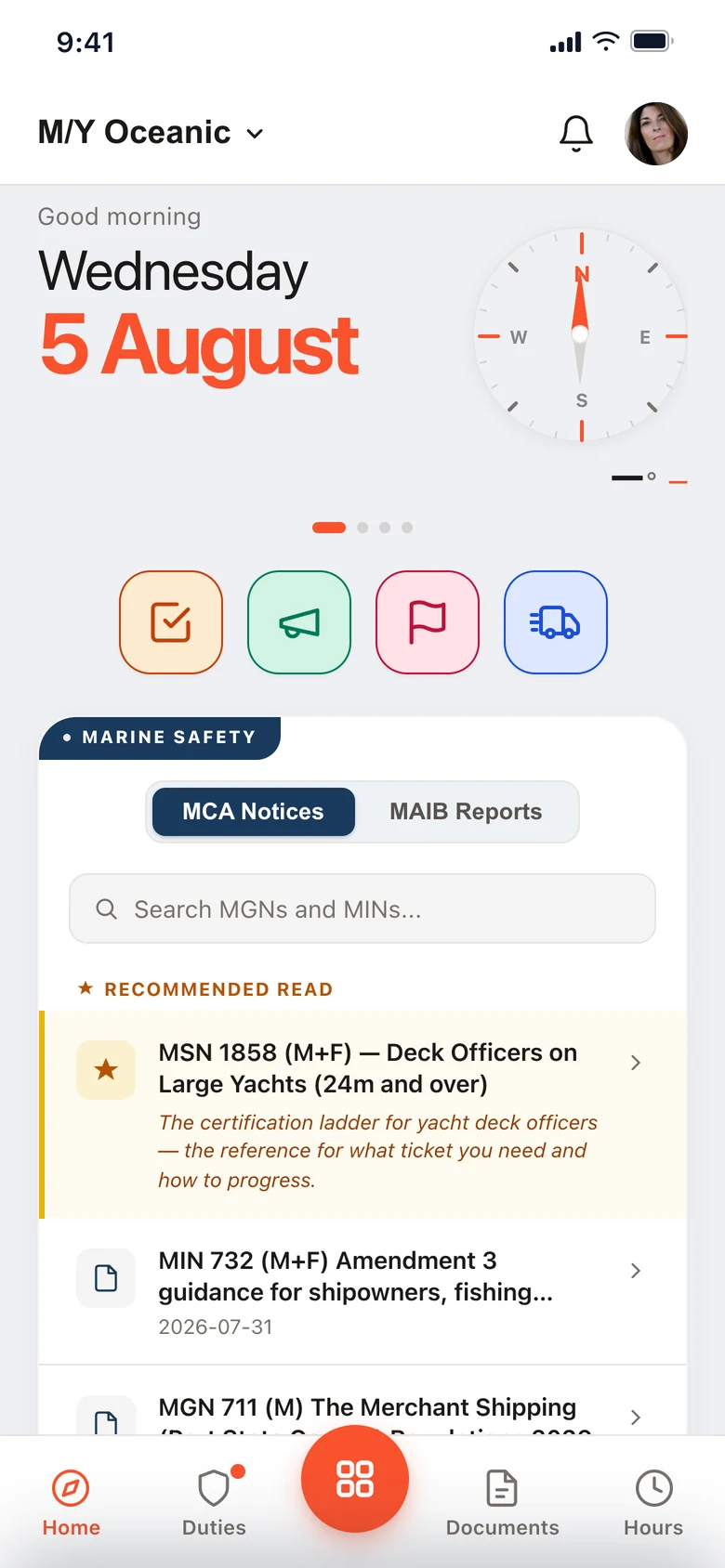
Running on superyachts every day.
Build the forms your vessel actually uses.
Start from the paperwork you already keep on file. Add the fields you need and mark the ones that have to be answered.
Any form you use.
Crew departure
Keys, property, expenses and discharge, signed off before they leave.
Joining induction
Safety brief, cabin, documents and emergency duties for a new joiner.
Watch handover
Conditions, traffic and standing orders, signed over from one watch to the next.
Equipment issue
Radios, PPE and tools issued to a crew member, with a record of what went out.
Acknowledgements
Confirm a crew member has read and accepted a procedure or standing order.
Anything else
Build your own from scratch. Text, dates, yes / no answers and a signature.
It lands on their phone.
Assign the form to one crew member or several. It goes to each of their phones, and when it comes back signed it sits on their record.
Frozen at signature
The PDF is rendered when they sign, not when you open it later, and hashed with SHA-256. What you download in a year is the document they signed.
The version they were given
Each assignment is pinned to the revision of the form that was live when it went out. Editing the template afterwards does not change what is already out there.
Filed to the crew record
It sits against the person, not in a folder somebody has to remember. The signature image is kept and never overwritten.
External forms, for the people who are not crew.
Contractors, surveyors, applicants, guests. Send them a link, they complete the form in a browser, and the response comes back to the vessel. No account to create.
An external response is not a signed crew record, and the PDF it exports says so on its face. If someone asks to be forgotten, erasing an external response nulls their details and deletes their uploaded files while keeping the row, so your counts do not silently change.
Before you build the first one.
Can we use the paperwork we already keep?
Rebuild it in the form editor once. An existing PDF is not overlaid, so what comes back is your form on your letterhead rather than a scan of the old one.
Who can fill in an external form?
Anyone holding the link. There is no account and no app to install, and the response arrives in the same list as the crew forms.
Where does a signed crew form end up?
On that crew member’s profile, as a PDF on your letterhead with their signature on it. It is hashed with SHA-256 when it is signed, so the filed copy can be shown to be the one they signed.
What plan are Forms on?
Pro, with checklists and policy management. See pricing
The Muster App has become one of those tools we use without really thinking about it. It’s made everyday tasks easier and has also got the crew more engaged with safety and their responsibilities onboard.
Try it with your crew.
Per vessel, unlimited crew, on the iPads and phones you already have.
Forms are part of Pro. 14-day free trial. Refund policy