Muster & drills
Account for every crew member by name.
Start a muster on the iPad and every crew phone gets the alert. Every drill is recorded so you can debrief from it.
Free for 14 days. From £110 a month per vessel, unlimited crew.
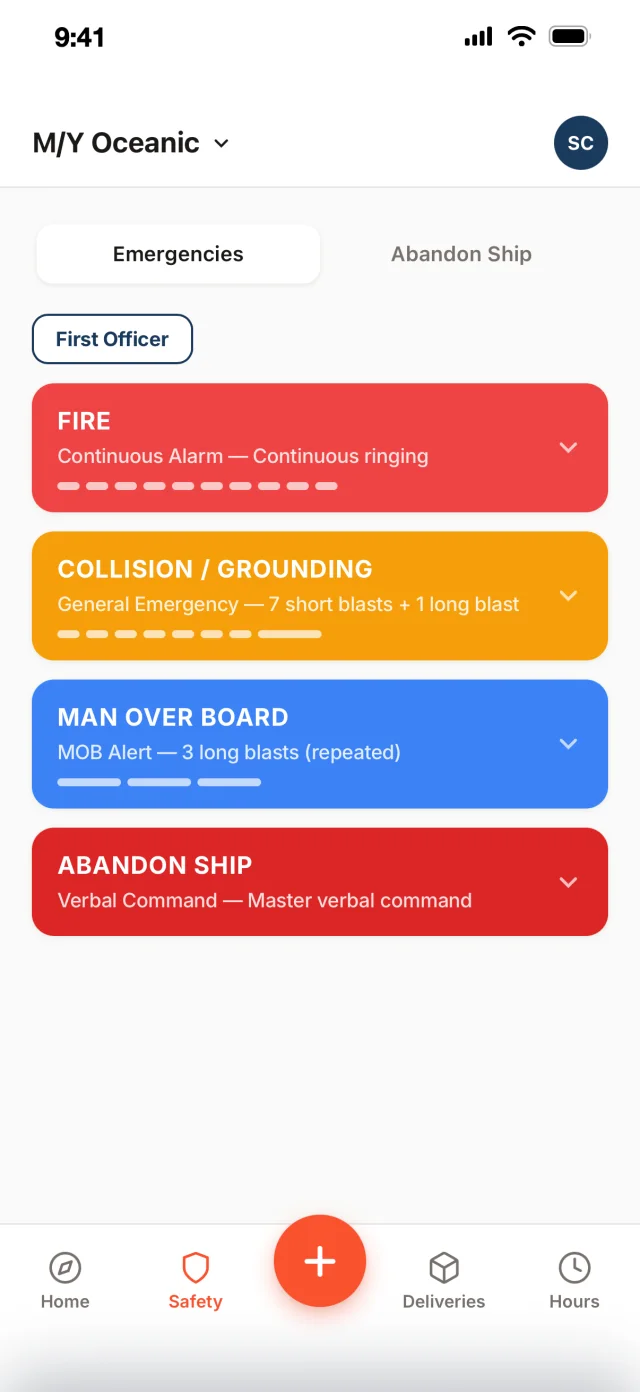

Fire. Go to your muster station now.
Running on superyachts every day.
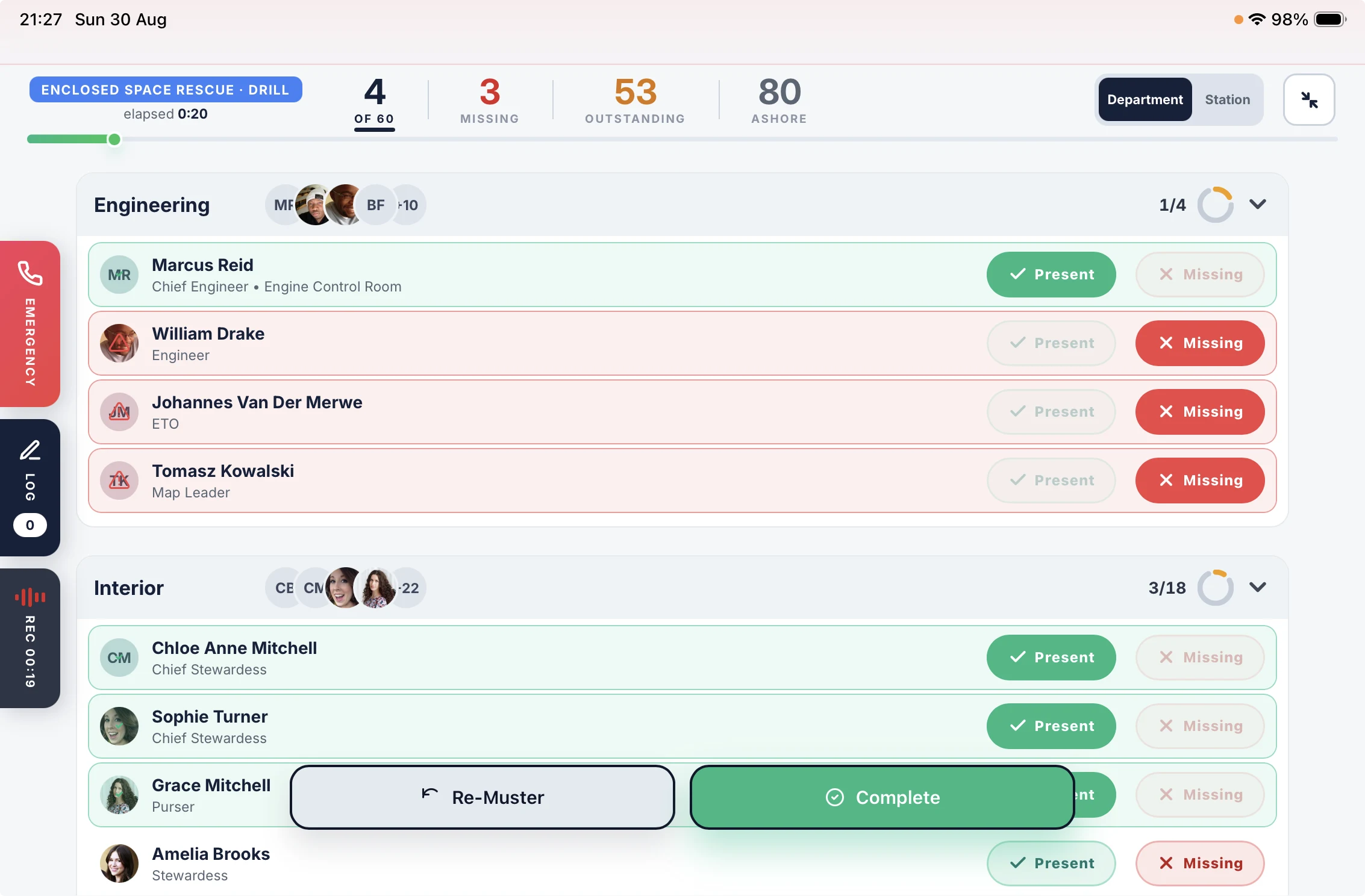
Run every drill from one iPad.

Fire. Go to your muster station now.
Drill in progress. Go to your muster station.
Alert every crew phone at once.
A real muster sounds through silent mode and Do Not Disturb.
- Critical alerts
- iPhone and Android
- Crew on leave included
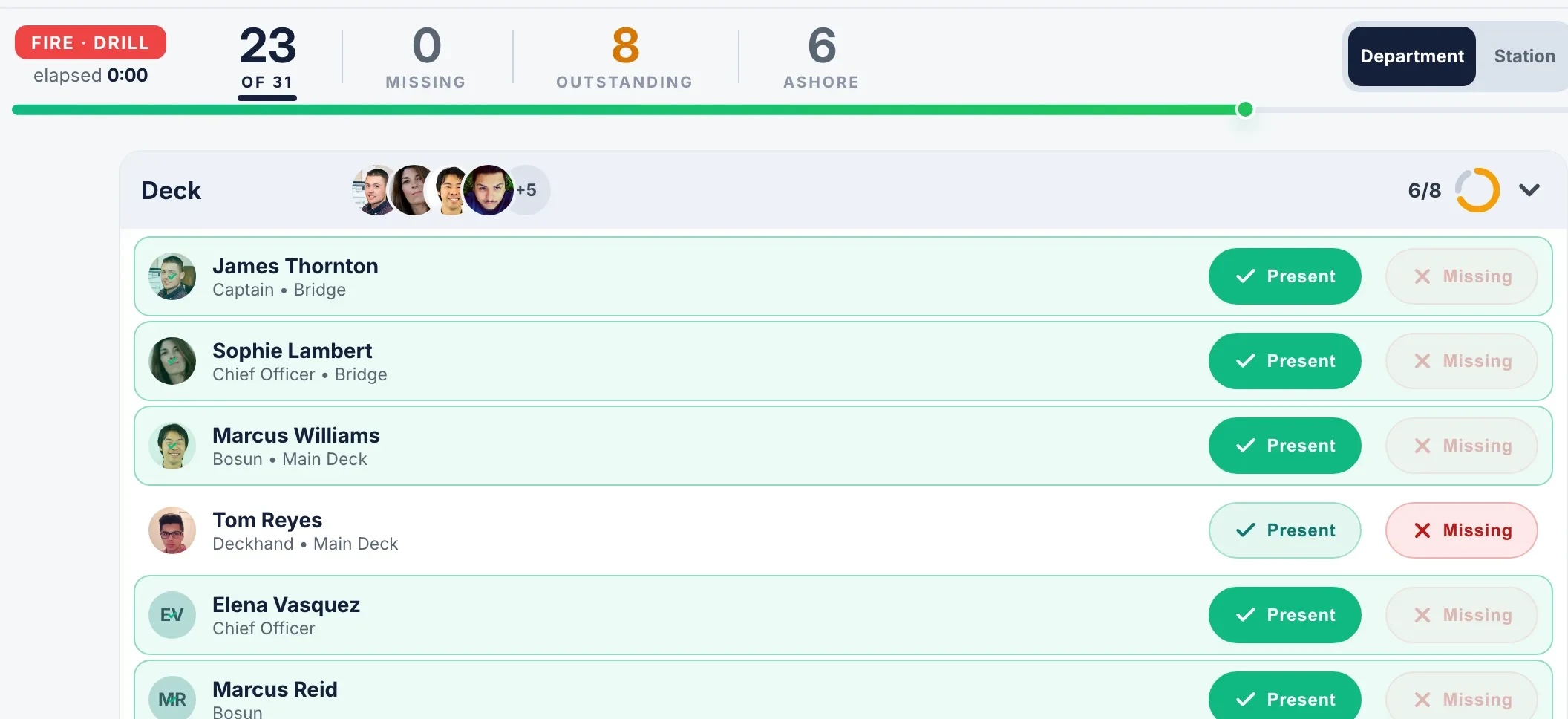
Account for everyone aboard by name.
Guests and visitors are on the board with the crew.
- Department and station views
- Guest and visitor muster
- One-tap re-muster

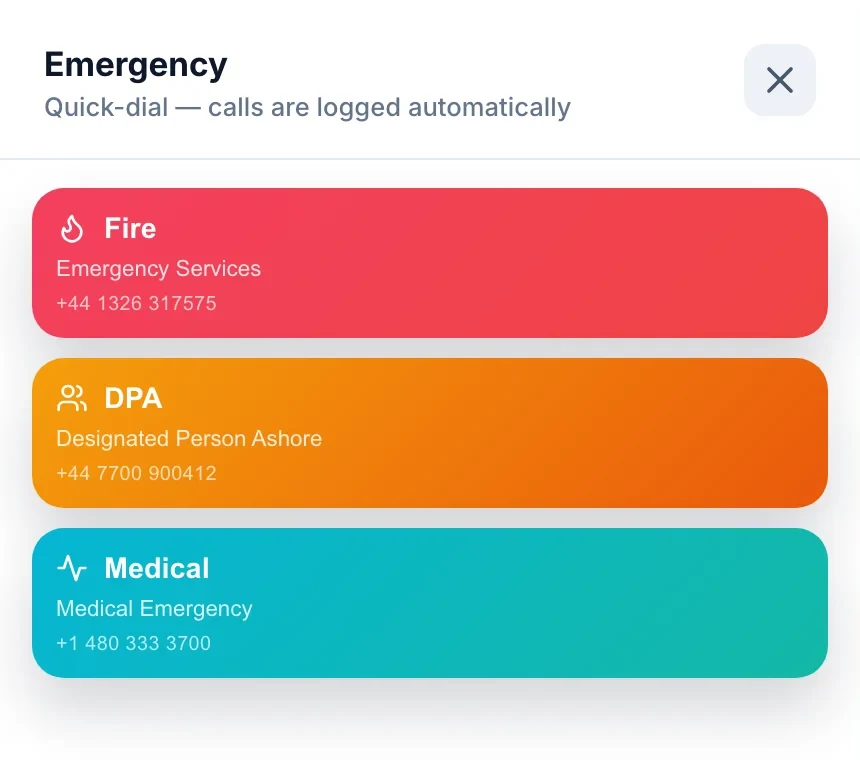
Call for help straight from the iPad.
Every call is logged with the drill.
- Fire and Medical
- Call the DPA
- Calls recorded
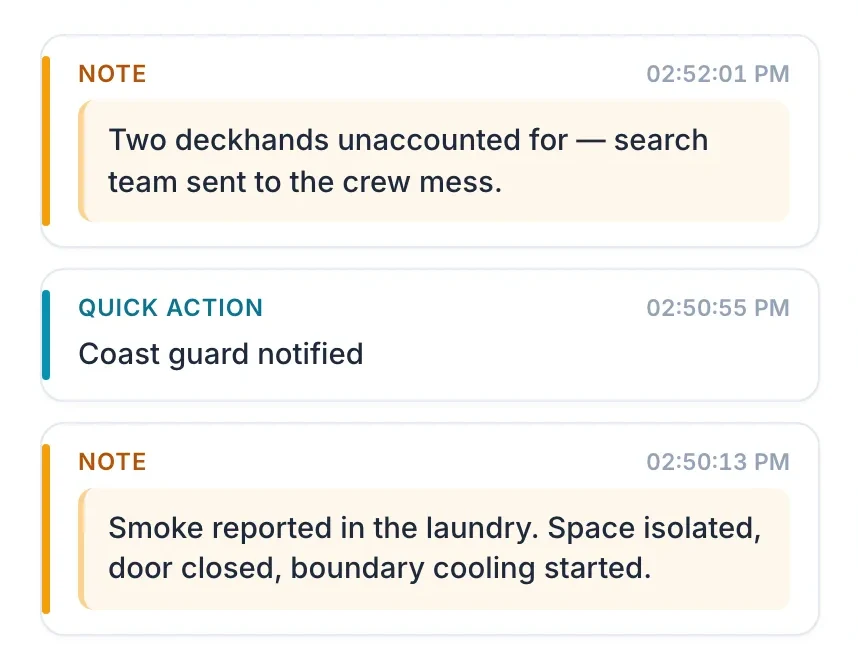
Log every action as you take it.
Each note and quick action lands on the timeline with its time.
- Quick actions
- Timestamped notes
- Drill or real emergency
On every plan, from £110 a month per vessel.
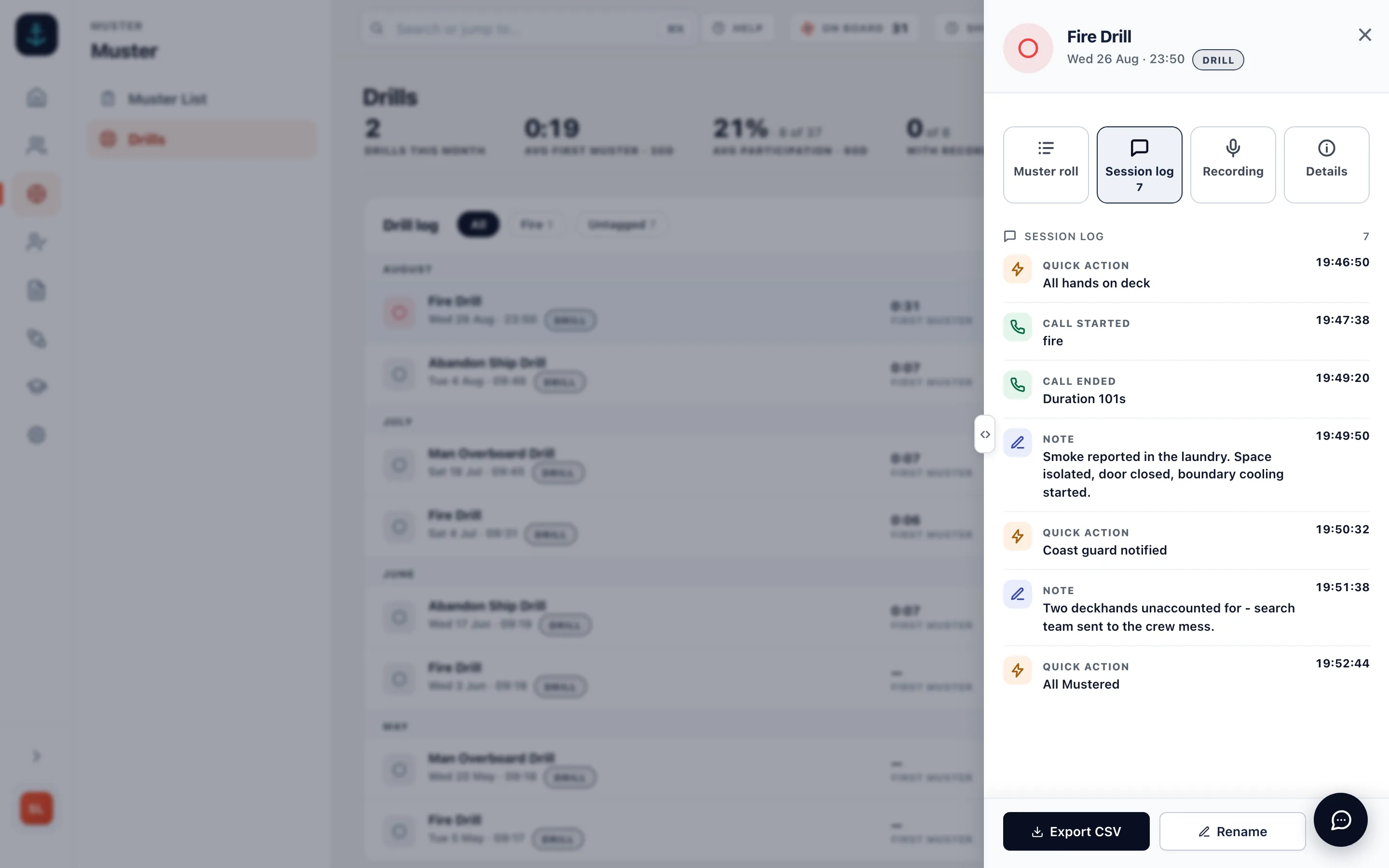
Debrief every drill from the recording.
The iPad records the whole muster including the calls. Play it back from the admin wherever you are.
- Drill audio recording
- Calls in the recording
- Playback in the admin
- Session log beside the audio
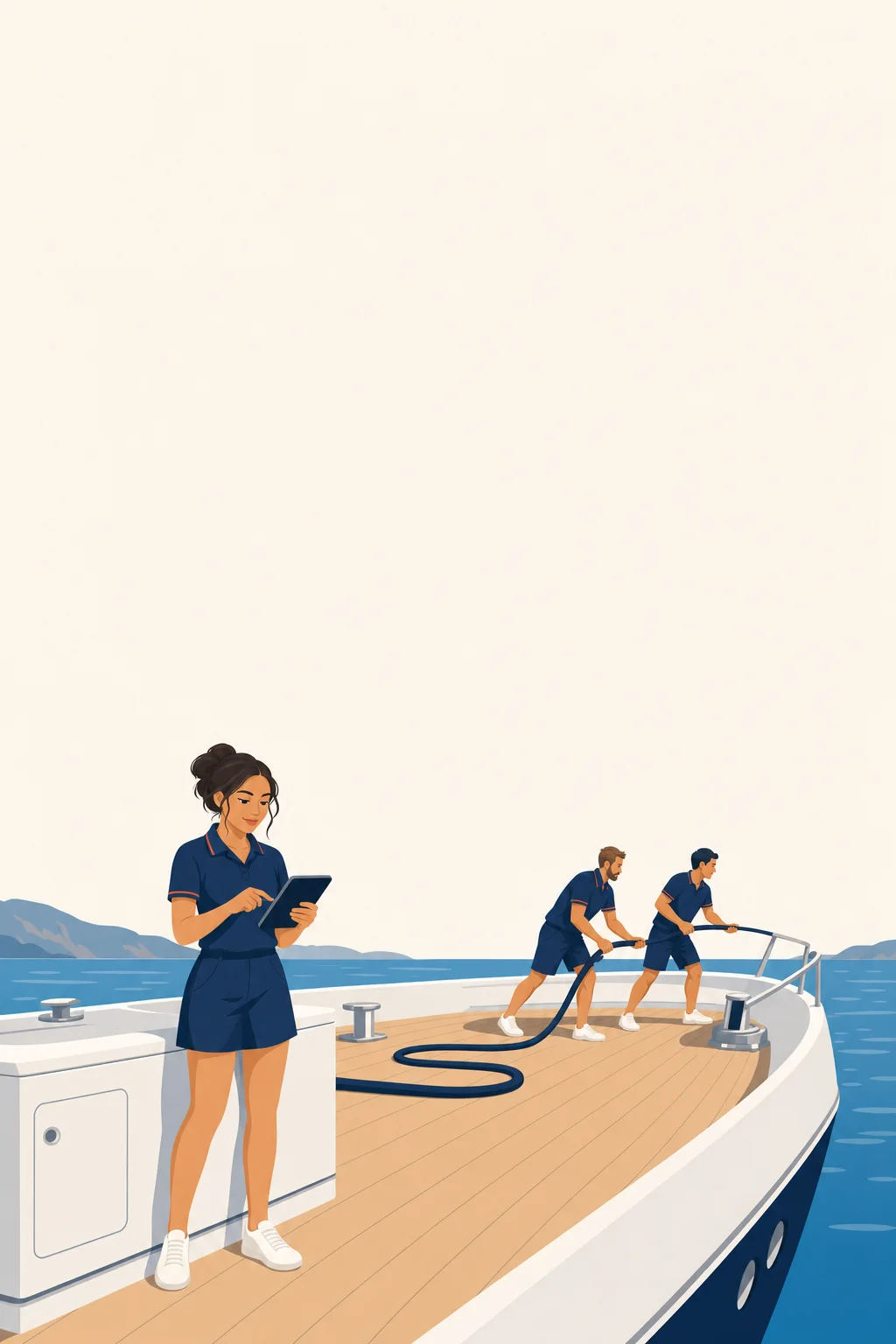
Give every crew member their station.
Their station and duties for each emergency sit on their own phone.
- Stations per emergency
- Alarm signals
- Abandon ship stations
- Free crew app
Keep every drill record ready for port state control.
Each drill becomes a PDF report with every name on it and a sign-off for the Master.
- PDF drill reports
- Printable muster list
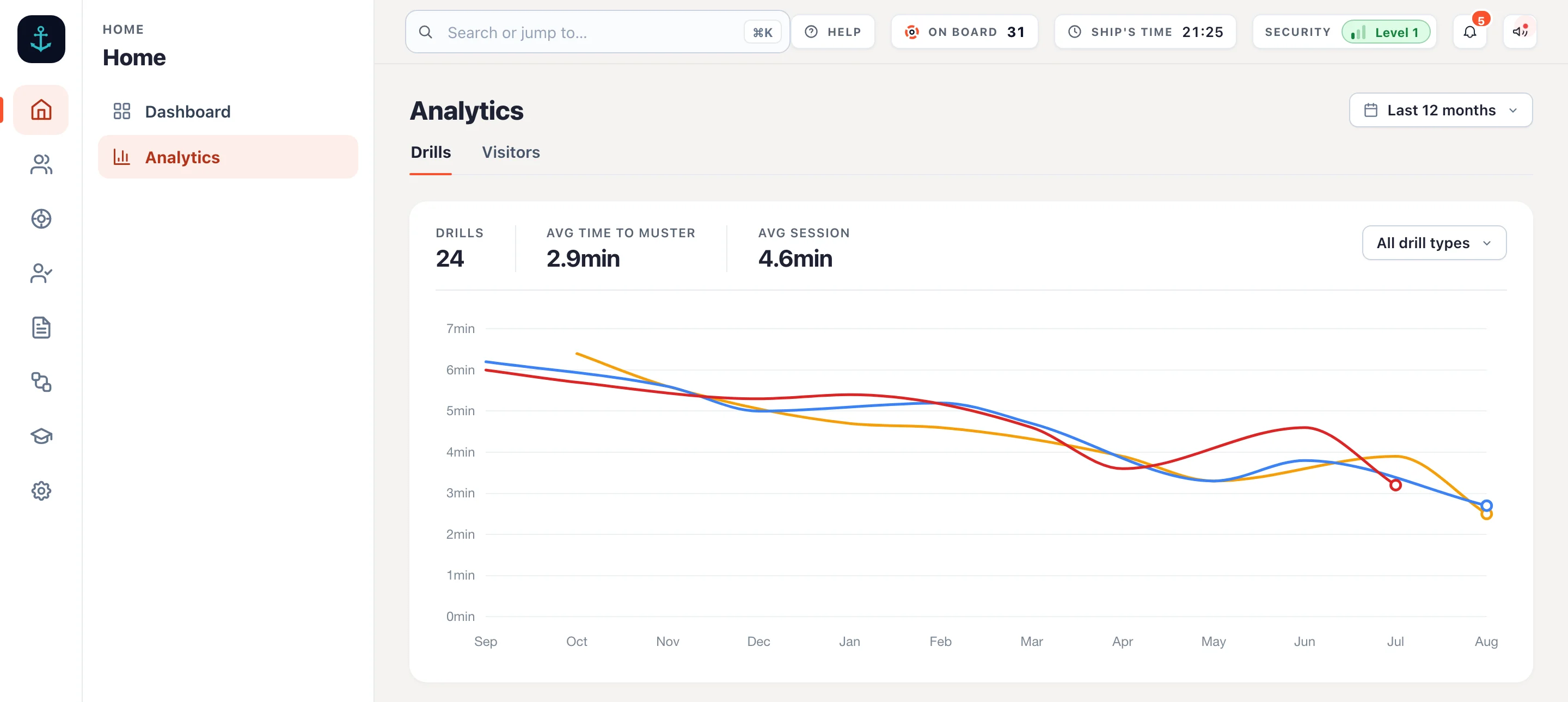
- Drill history and trends
- CSV export
The app has allowed us to consolidate several systems into one platform, including Hours of Rest, crew mustering, ISPS, inventory management and parcel tracking.
Muster software, answered.
What is muster software?
It runs the muster on an iPad instead of a clipboard. The Muster App alerts every crew phone, lists everyone aboard by department or station, marks each one present or missing, places calls to Fire, the DPA or Medical, records the audio and keeps the drill with its notes as a PDF report.
Does it replace our muster list?
It keeps it. Each crew member’s station, role and equipment for every emergency lives in the admin, prints as the muster list for the bulkhead, and shows on their own phone. What SOLAS asks of the muster list
How is this different from the drill log in our SMS?
Your SMS says which drills to run and when. The Muster App runs them: the alert to every crew phone, the muster by name on the iPad, the calls, the recording and the PDF report. It sits alongside your SMS and keeps the evidence.
Are guests and visitors counted?
Yes. Guests and visitors signed in on the iPad appear on the muster board with crew, each at a default muster station you set.
Does a drill wake crew who are on leave?
No. A drill skips crew on leave and respects silent mode. A real muster is sent as a critical alert to every crew phone, crew on leave included, unless you turn that off.
Does every crew member need the app?
The muster runs on the iPad either way. Muster Mate, the crew app, is free on iPhone and Android and is what carries the alert and each person’s station. Muster Mate
What does it cost?
The muster is on every plan, from £110 a month per vessel with unlimited crew, with a 14-day free trial. See pricing